LaTeX input guide
How I Enter LaTeX Equations Without Re-typing the Math
By Evan LiUpdated
The reason I added LaTeX input was not to turn the calculator into a full TeX editor. I kept losing time converting perfectly readable math such as \frac{x}{3}+5=12 or \sqrt{2x+3}=5 into calculator syntax by hand. The useful workflow is much smaller: accept the common notation, normalize it into the solver's syntax, show me what the browser understood, and let me check that preview before solving.
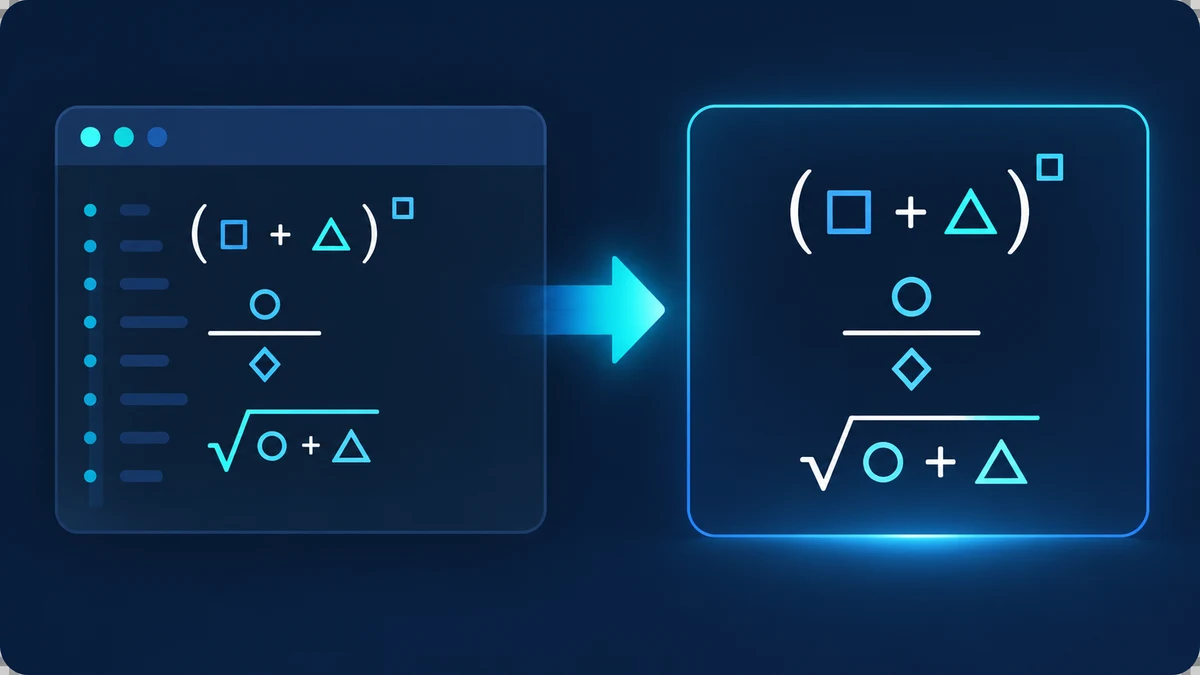
I treat LaTeX as an input format, not as a different math engine
The algebra solver still receives the same normalized equation it would receive from ordinary typed input. LaTeX is simply translated first. That keeps one source of mathematical truth instead of maintaining a second solver that could disagree with the first.
For example, \frac{x}{3}+5=12 becomes (x)/(3)+5=12, and x^{2}-5x+6=0 becomes x^2-5x+6=0. After that conversion, the normal equation parser decides whether the expression is supported.
The subset I rely on covers the notation I actually paste most often
I support the commands that repeatedly appear in ordinary one-variable algebra: \frac for fractions, \sqrt for square roots, superscript braces for powers, \cdot and \times for multiplication, \div for division, and the common \left / \right wrappers around delimiters.
I deliberately do not label this as complete LaTeX support. Matrices, aligned environments, macros, calculus notation, nested TeX programming, and arbitrary commands are outside the purpose of this solver. If a command cannot be normalized safely, I would rather reject it than silently reinterpret it.
I use the rendered preview to catch normalization mistakes before solving
A preview matters because a text conversion can be syntactically valid and still not mean what I intended. The calculator parses the normalized equation into a small math expression tree and renders that tree with native MathML. I can compare the rendered fraction, exponent, parentheses, or square root with the equation I meant to enter.
That MathML preview is not an image of the source LaTeX. It represents the expression the calculator believes it will solve. For me, that makes it more useful as a safety check than simply echoing the original TeX string.
Fractions and grouping are where I slow down
The difference between \frac{x+1}{x-2} and x+1/x-2 is enormous, so I keep explicit grouping around converted numerators and denominators. The same goes for powers and roots: \sqrt{x+1} should keep x+1 under the radical, not just x.
When I paste an equation from a document, I look at the preview before I press Solve. If the grouping does not match what I expected, I fix the input first rather than trying to interpret a result from the wrong expression.
My rule for unsupported LaTeX is the same as for unsupported algebra
I do not want the calculator to guess at unfamiliar notation. A clear unsupported message is more useful than a polished answer to a different equation. If the normalized preview looks wrong or a command is outside the documented subset, I convert that part into ordinary algebra notation myself.
This is also why the LaTeX feature does not change the supported equation classes. It makes input faster for the equations the solver already understands; it does not magically add cubic, logarithmic, trigonometric, or arbitrary symbolic solving.